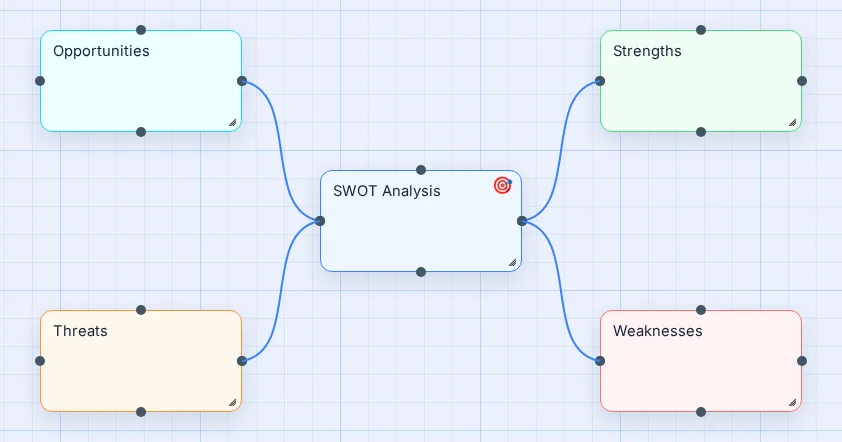
SWOT Analysis template
Strengths, Weaknesses, Opportunities and Threats around one decision. For business plans, product ideas and career choices.
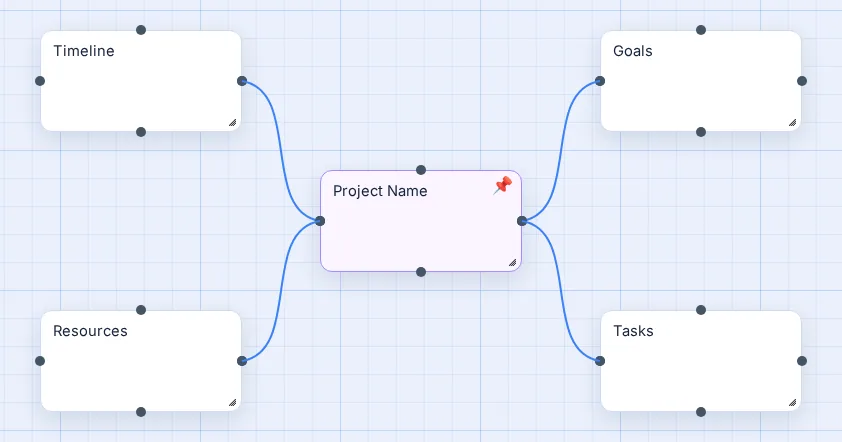
Project Plan template
Goals, Tasks, Timeline and Resources around the project name. Add owners and dates as you go.
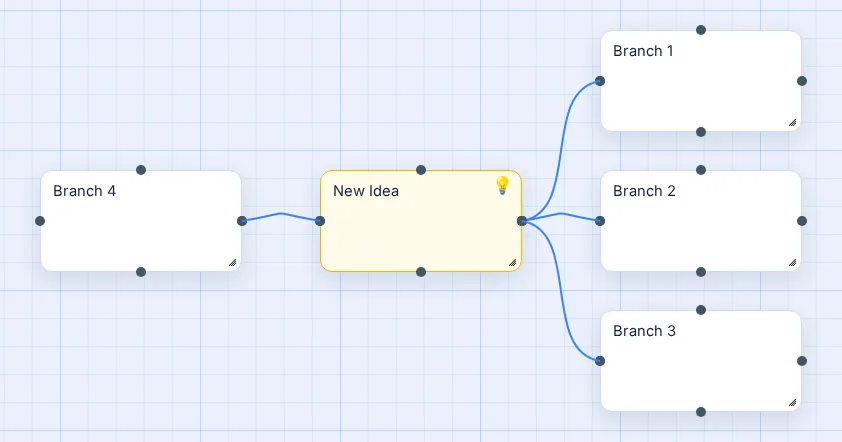
Brainstorm template
A centre and four empty branches: the fastest way to start dumping ideas.
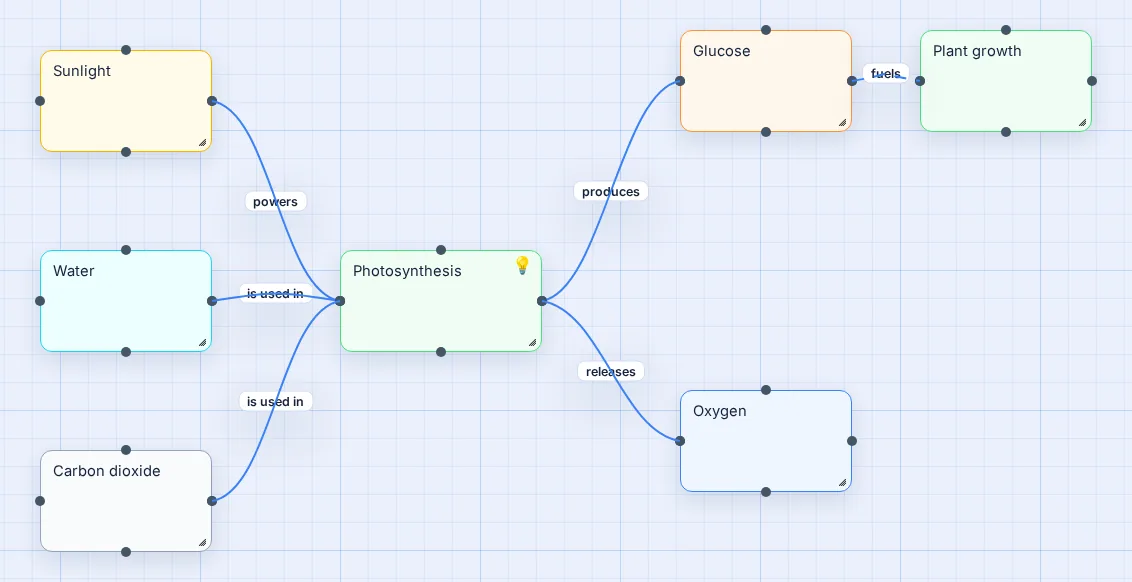
Concept Map template
A worked example (photosynthesis) with labelled links. Replace the concepts with your own.
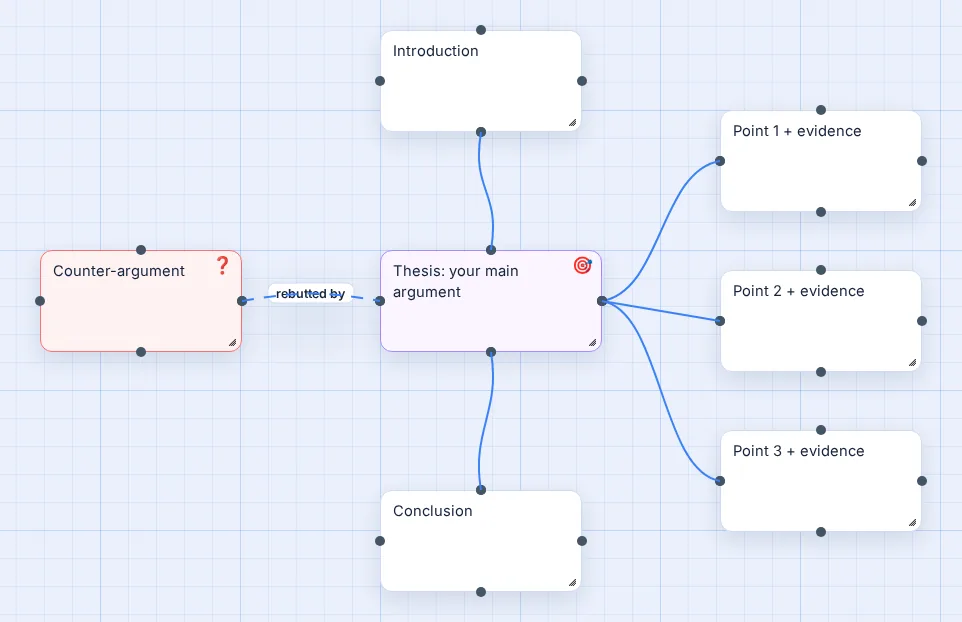
Essay Plan template
Thesis in the centre, introduction, three points with evidence, a counter-argument and the conclusion.
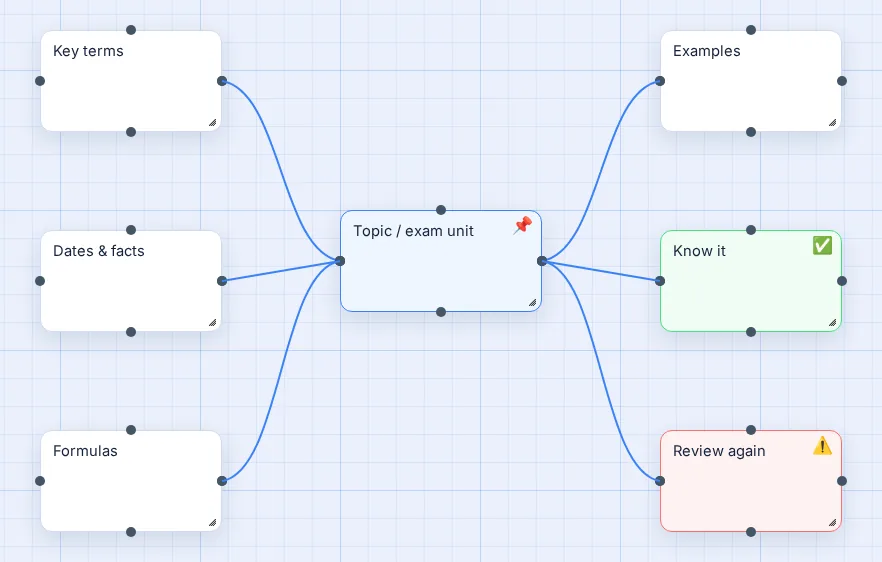
Revision Map template
Key terms, dates, formulas and examples, plus Know it / Review again branches to sort what you have learned.
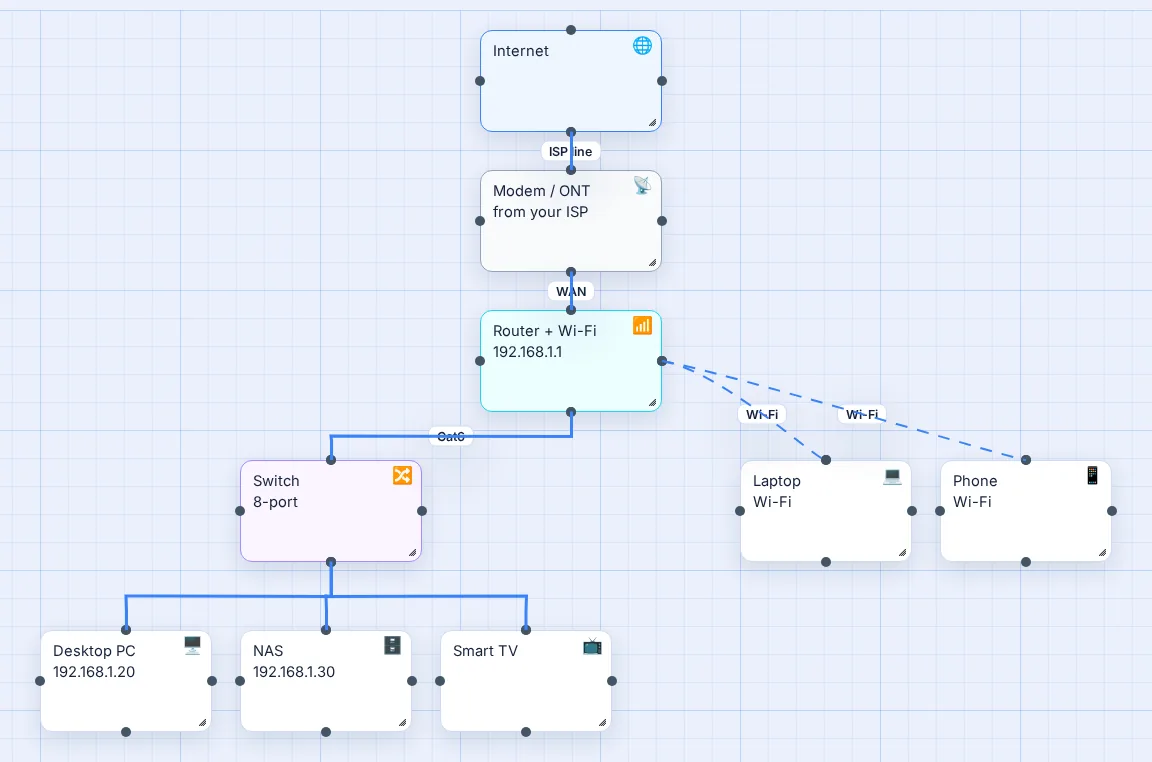
Home Network template
Internet, modem, router, switch and devices, wired and Wi-Fi, with IP addresses.
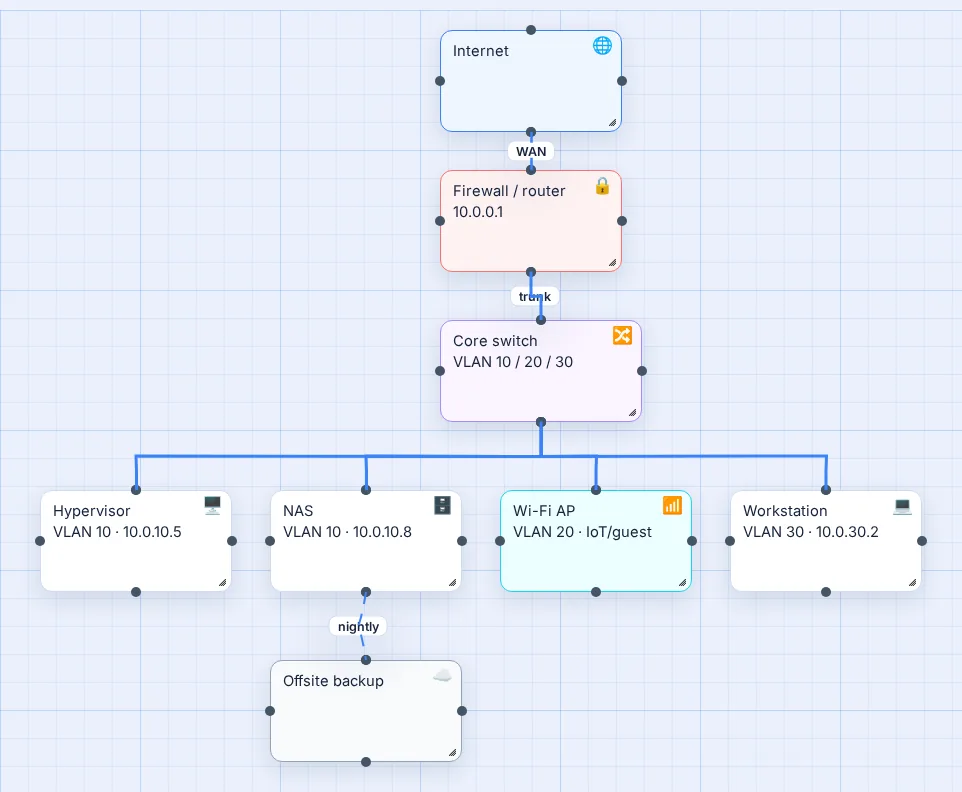
Home Lab Network template
Firewall, VLAN-trunked core switch, hypervisor, NAS, Wi-Fi AP, workstation and offsite backup.
Choosing the right template
| If you want to… | Start with |
|---|---|
| Weigh up a decision or business idea | SWOT Analysis |
| Plan work with tasks and dates | Project Plan |
| Get every idea out of your head | Brainstorm |
| Explain how something works | Concept Map |
| Structure an essay or report | Essay Plan |
| Study for an exam | Revision Map |
| Document your Wi-Fi and wired devices | Home Network |
| Map servers, VLANs and a firewall | Home Lab Network |
Templates are also in the app itself: open the Templates menu in the top bar at any time.
Questions people ask
Are the mind map templates free?
Yes. All eight templates, and every other feature, are free. There is no premium tier and nothing is held back behind a paywall.
Do I need an account to use a template?
No. Each template opens in guest mode and your work is kept in your browser. Create a free account when you want to save the map to the cloud, keep version history or share a read-only link.
How do I do a SWOT analysis as a mind map?
Put the business, product or decision in the centre and add four branches: Strengths, Weaknesses, Opportunities and Threats. Add specific points under each, then draw links where a strength answers a threat or a weakness blocks an opportunity. The SWOT template sets this up in one click.
What should a project plan mind map include?
The project goal in the centre, then branches for goals, tasks, timeline and resources. Add owners and dates as sub-branches, and a risks branch if anything could derail it. Colour code tasks by status as the project moves.
Can I change a template after opening it?
Completely. A template is only a starting layout: rename, recolour, add or delete anything, change line styles, or click Tidy Up to rearrange it. Templates never overwrite a saved map; they open as a new, unsaved one.
Can I make my own template?
Yes, informally: build a map you like, save it, and use Save As to make a fresh copy each time you need it. The original stays untouched.